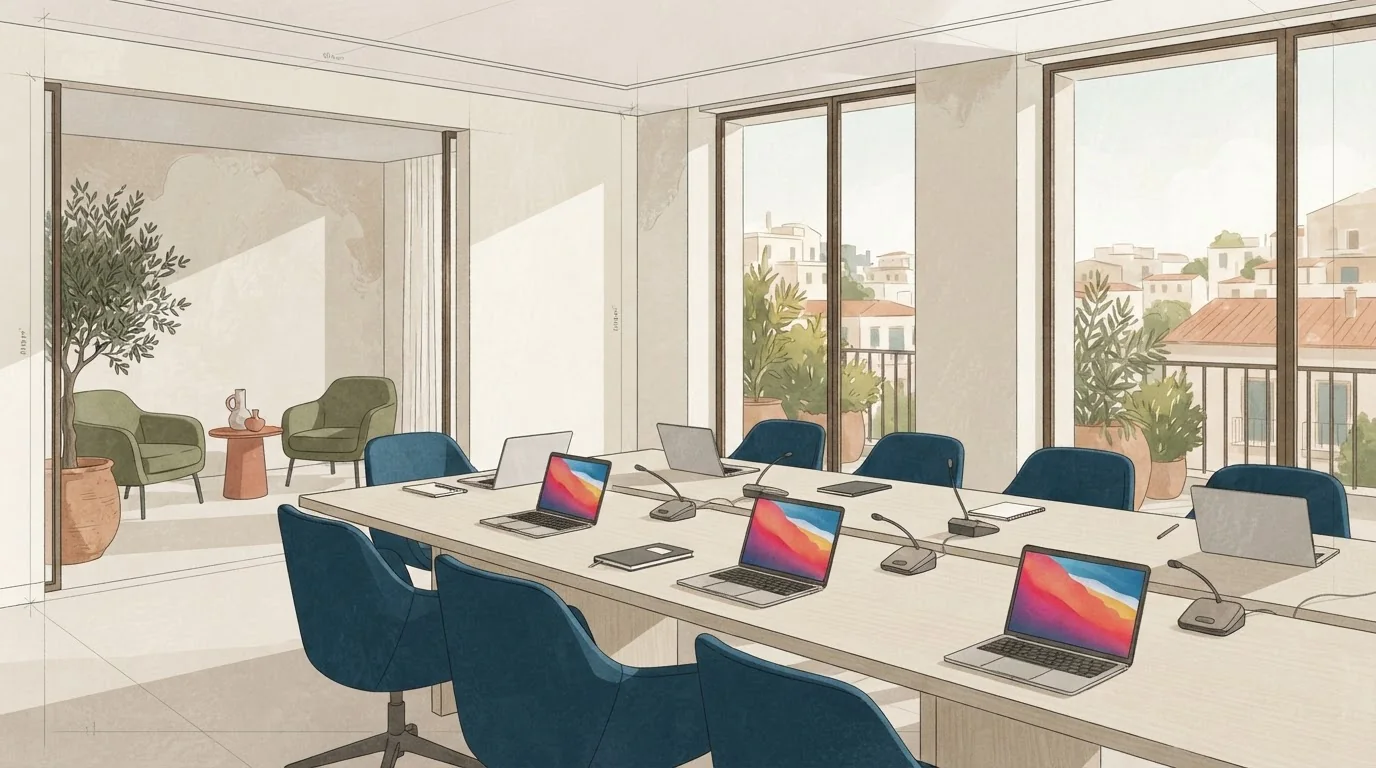
Test each place at the table with a laptop
A board meeting becomes awkward when people cannot open a laptop and take notes at the same time. Test the table edge in front of each proposed seat with the equipment your group will actually bring. Open a laptop, put papers beside it and leave space for a drink. Repeat the check around the table, including corners and places near legs or cable outlets. Ask for a dimensioned layout showing chairs, equipment and the routes people will use when seated participants remain in place. Compare a single table with joined tables or another arrangement if needed. The useful result is a layout that works for this group; a generic length-per-person figure cannot confirm that by itself.
Sit at the worst seat. The worst seat is usually at the far end of a long table, next to a wall or behind a column. Ask yourself: can you see every face without leaning? Can you see the screen? Can you reach a power socket without crawling under the table? If the answer is no, the layout needs changing before the meeting, not during it.
Sightlines and screen placement
Screen visibility depends on the display, the content and the positions of the seats. Use a slide from your actual presentation, including a chart or table, and check it from the furthest and most oblique positions. Repeat the test with the lighting and blinds set as they would be during the meeting. If text or detail is difficult to see, ask the venue about a larger display, another screen or a different table arrangement. Check that any revised layout still works for conversation and for the camera if remote participants will join.
Avoid rooms where the screen is behind the speaker. That forces people to turn their heads constantly. A side screen or a screen at the open end of a U-shape is better. Also check ceiling lights. A bright downlight directly above the screen washes it out. You can often fix this by dimming one row of lights or moving the screen half a metre.
Laptop spacing, power and cables
One power socket per two people is a workable minimum. For 12 people, that is six sockets along the table. If the room only has two wall sockets, ask for extension leads and gaffer tape. Test that the leads do not cross walkways. A taped cable is fine. A loose cable is a trip hazard and a distraction.
Wi-Fi is the question you cannot test from a photo. Do not accept a bandwidth guarantee you cannot verify. Ask for the upload and download speed in the room at the time of your meeting. If the venue cannot confirm it in writing, plan for a mobile hotspot and a wired connection as backup. This is not paranoia. It is basic risk management for a board meeting where one remote director needs to hear every word.
Speakerphone pickup: test the far end
A speakerphone on the table is not enough. Test it with a real call. Ask someone to stand at the far end of the table and speak in a normal voice. Then ask someone to stand by the door. If the person on the call cannot hear both clearly, you need a second microphone or a different device. Also test the mute button. A board meeting with background noise from a corridor is harder to manage than one with a closed door.
If the room has hard walls and a glass table, expect echo. You can reduce it with a carpet, curtains or a tablecloth. Ask the venue what soft furnishings are already in the room. Do not assume.
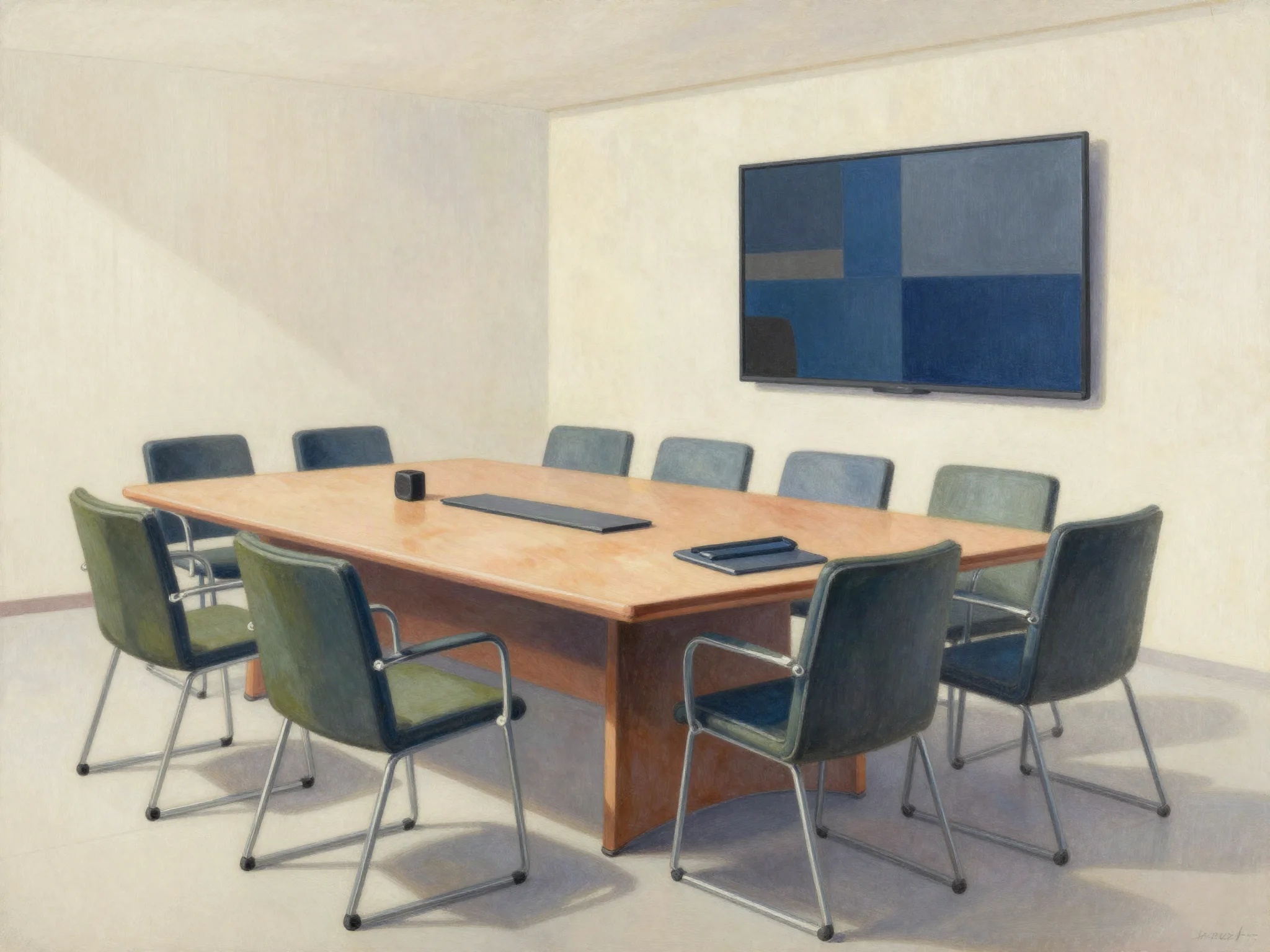
Private break area: not the corridor
Board members need to step out without walking through the meeting. A private break area can be a small side room, a curtained alcove or a section of the same room separated by a screen. It must have a door or a clear boundary. The corridor outside the meeting room is not a break area. It is a public space where confidential calls can be overheard.
Check the route to the toilets. If it crosses the main room, people will avoid leaving. That is bad for a long meeting. A side door or a back corridor solves this.
A 15-minute equipment rehearsal plan (example)
Use this as a template. Adjust it to your own devices and room.
| Time | Task | What to check |
|---|---|---|
| 0:00–0:02 | Connect laptop to screen | Cable type, adapter, resolution |
| 0:02–0:04 | Open a slide with small text | Readability from the back seat |
| 0:04–0:06 | Start a video call | Camera angle, microphone pickup |
| 0:06–0:08 | Test speakerphone at far end | Volume, clarity, mute button |
| 0:08–0:10 | Test Wi-Fi in the room | Speed, stability, backup hotspot |
| 0:10–0:12 | Walk the break area route | Door, boundary, noise |
| 0:12–0:14 | Check power and cables | Sockets, leads, taped paths |
| 0:14–0:15 | Reset the room | Chairs, table, screen off |
This plan is an example. It does not replace a full technical check for hybrid meetings. But it catches the common problems before 12 people arrive.
What to send to venues
When you contact venues, do not ask only for availability. Ask for availability and a written quote together. The quote should state what is included: room hire, equipment, technical support, refreshments, VAT and any service charge. Ask which amount the tax applies to. Terms depend on the particular written quote, not on general habits.
Send this information:
- Date, start time and end time, including setup and breakdown.
- Number of attendees: 12, plus any remote participants.
- Seating layout: U-shape, boardroom or hollow square.
- Equipment needed: screen, speakerphone, power sockets, Wi-Fi, backup hotspot.
- Break area: private space with a door or clear boundary.
- Accessibility needs: step-free access, accessible toilets, hearing loop.
- Catering: water, coffee, lunch, dietary requirements.
- Contact person for the day and their mobile number.
Ask the venue to confirm in writing that the room fits 12 people with laptops, that the Wi-Fi speed is measured in the room, and that the break area is private. If they cannot confirm, ask what they can confirm. A clear no is better than a vague yes.
One honest tradeoff: a central Athens location with a famous view may have smaller rooms and more noise. A quieter business center outside the tourist core may give you better table space and easier power. Decide which matters more for your board.
For context on what Greek venues list, Ecali Club includes board meetings, training, team building, product presentations and corporate family events in its business offering, as shown on its business events page. That is one example of how a venue describes its range. It is not a claim about availability, capacity or suitability for your meeting.
Before you book, visit the room at the same time of day as your meeting. Test the table, the sightlines, the laptop spacing, the speakerphone and the break area. Fifteen minutes of rehearsal saves an hour of frustration.
Two useful next steps: Athens meeting room hire: turn the day rate into a full brief and The hybrid meeting test to run before signing.
Planning questions
How can we check that the table works for a board meeting with laptops?
Test a place setting with an open laptop, papers and a drink, then check every proposed seat on the actual layout. Ask how cables, chairs and access routes affect the space available to participants.
How should we test screen visibility from the boardroom table?
Use a slide from your actual presentation and view it from every proposed seat. Check text, charts, glare and camera position. Ask for a different layout or display arrangement if participants cannot see clearly.