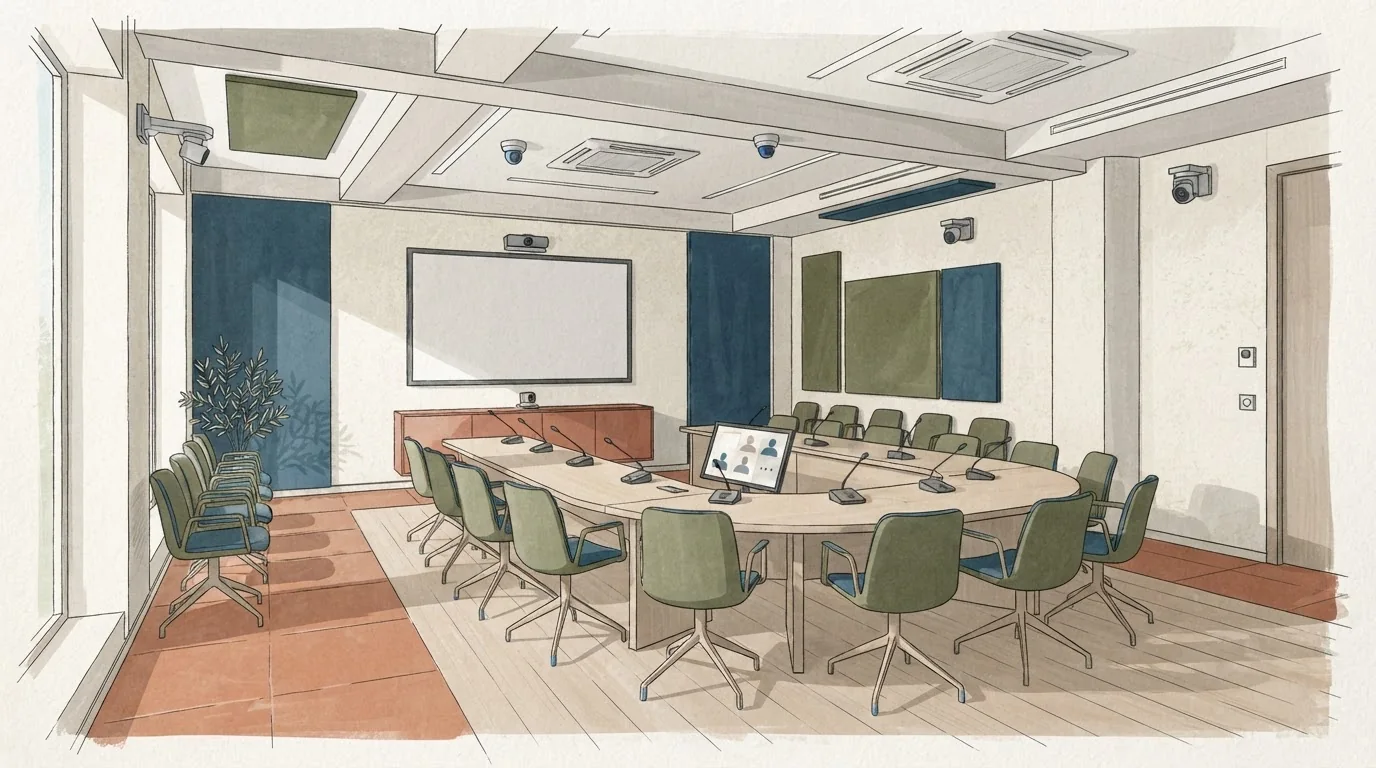
Start with a practical question: can a speaker in the room be heard and seen by someone joining from a laptop, and can that remote person speak without the room wincing? A big screen answers only the visual half. The rest is microphone handoffs, echo control, camera framing, captions and who owns support when something fails. For room types, see conference centers in Greece.
Why a screen is not a remote experience
A screen shows a face. It does not manage a conversation. In a hybrid room, the remote participant depends on a chain: their microphone into the room audio, the room audio back to them, the camera angle that includes both the speaker and the slides, and a caption or transcript feed that keeps up. Any weak link and the remote person becomes a spectator.
The failure is rarely dramatic. It is a question asked twice because the room mic did not pick up the remote voice. It is a panel where remote speakers talk over each other because nobody owns the mute queue. It is a slide that stays on screen while the camera points at an empty lectern. These are fixable, but only if you test them before contract signature, not on the morning of the event.
One honest tradeoff: a thorough rehearsal costs staff time and may require venue cooperation that is not free. Skipping it usually costs more in remote attrition and damaged trust.
The rehearsal script to run on site
Treat this as a timed run-through, not a demo. Ask the venue to provide the same technician who will work your event day. Set up three stations: a speaker position on stage, a remote participant joining from a separate room or off-site, and a control position where someone can watch audio levels and the remote gallery.
Run the script below in order. Stop at each failure, note who fixes it, and write down the fix. If the venue cannot run this before signing, that is useful information.
| Step | Action | What to watch | Pass condition |
|---|---|---|---|
| 1 | Remote participant speaks first, room listens | Room mic pickup, delay, echo | Room hears clearly without feedback |
| 2 | Speaker on stage talks, remote listens | Camera framing, slide visibility | Remote sees speaker and slide together |
| 3 | Handoff: stage speaker to remote speaker | Who unmutes, how fast, any echo | Handoff under a few seconds, no echo |
| 4 | Two remote speakers in dialogue | Mix-minus, mute discipline | No room echo, no clipping |
| 5 | Captions or transcript running | Lag, accuracy, placement | Readable and roughly in sync |
| 6 | Deliberate failure: unplug a mic | Support ownership, recovery time | Named person responds, documented fix |
| 7 | Q&A from remote and room mixed | Queue management, audio balance | Both sides can hear questions |
That table is a starting script. Adapt the wording to your agenda, but keep the failure step. A venue that can improvise a fix under observation is better than one that promises everything works.
Microphone handoffs and echo
Handoffs are where hybrid meetings fall apart. In a simple setup, the room has one or two microphones and the remote platform has its own audio. When the remote person speaks, their voice must enter the room without also being picked up by the room mics and sent back. That is the echo loop. The technical fix is usually a mix-minus, but you do not need the term to test it. You need to hear whether the remote voice sounds hollow or doubled.
Ask who controls mute. If the answer is "the moderator" or "the technician," that person needs to be in the rehearsal. If the answer is "whoever is speaking," expect confusion. Write the handoff rule into your run of show: for example, the stage moderator unmutes remote speakers and mutes the stage mic during remote-only segments. That is editorial advice, not a venue requirement.
Test with the actual platform you will use. A laptop speaker and a room PA behave differently. If your remote participants join by phone, test that audio path too.
Camera framing and captions
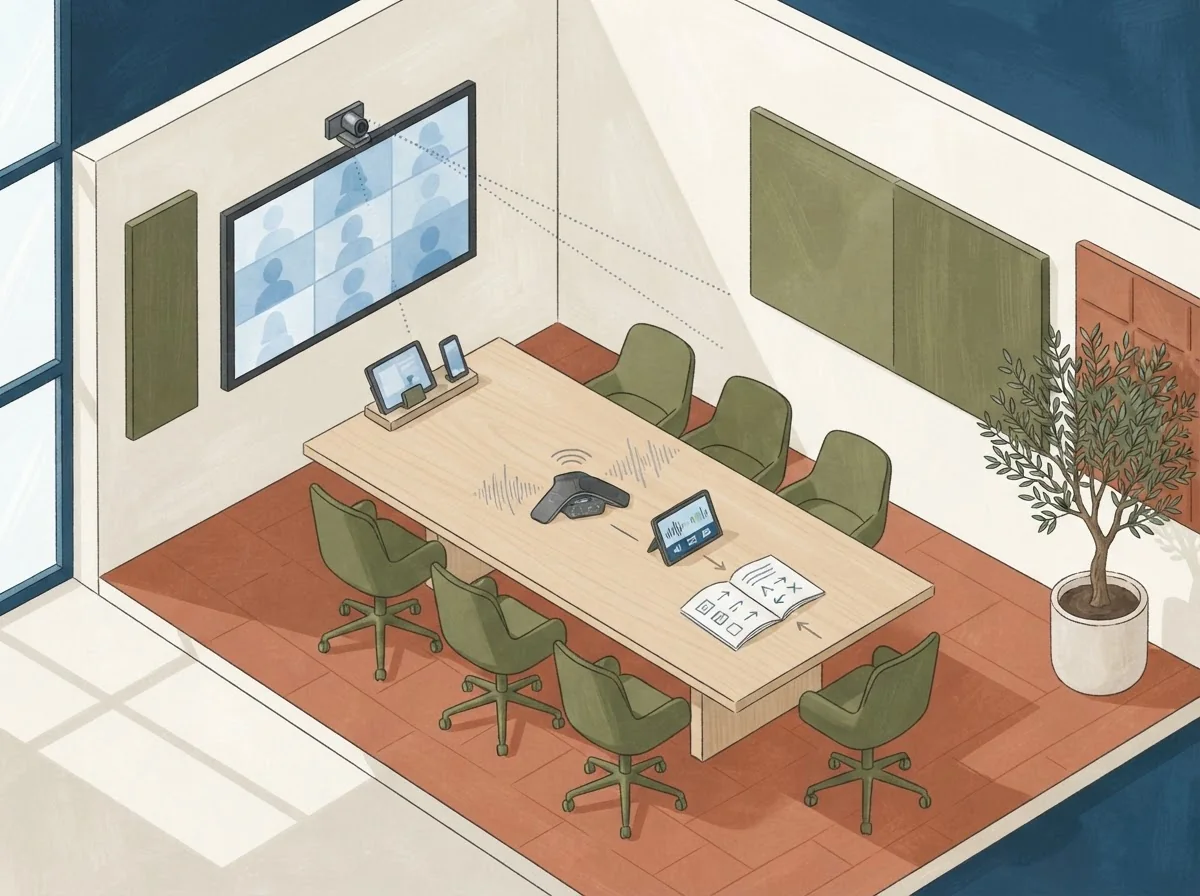
Camera framing is a content decision. A wide shot that shows the whole stage makes remote participants feel far away. A tight shot on the speaker loses the slide. A split or picture-in-picture view can work, but only if the remote platform supports it and the operator knows when to switch. Decide in advance: speaker view, slide view, or a layout that shows both. Then test it with a remote participant who is not a technician.
Captions and transcripts are accessibility tools and attention tools. Test them with the speaker's actual accent and pace. Ask whether captions are human-generated or automated, and who corrects them. If the venue provides a caption feed, confirm where it appears and whether remote attendees can toggle it. If captions are not available, say so in your registration page rather than discovering it on the day.
Support ownership and the written quote
The most important question is not technical. It is: who owns the remote experience during the event? If the answer is "the venue," get the name and the escalation path. If the answer is "your team," staff the control position for the full program. If the answer is "shared," write down exactly which failures belong to whom.
When you request a quote, ask for the rehearsal as a line item. Ask what happens if a microphone fails mid-session, whether a replacement is on site, and how quickly a technician can respond. Ask whether the quote includes the remote platform, the caption service, and the technician's hours. Terms depend on the particular written quote, so compare line by line rather than assuming a package covers everything.
A verified example of a venue that lists different room types for parallel sessions and business meetings is Megaron's halls and meeting spaces. That is evidence of room variety, not a statement about hybrid capability, pricing, or availability.
What to send venues
Before you ask for availability and a written quote together, prepare a short brief. Include your dates, an example guest count (for instance, 120 in-room and 80 remote, clearly hypothetical), the platform you plan to use, whether you need captions, and the rehearsal window you want. State that you will run a remote-participant test before signing and ask who from the venue will attend. Ask for the quote to separate room hire, technical support, platform, captions, and any rehearsal time. Then send it to suitable venues and compare the answers. If a venue cannot answer the support ownership question in writing, treat that as a reason to keep asking before you commit.
Two useful next steps: A 12-person Athens board meeting needs a table test and Conference capacity: ask for the layout, not just the number.
Planning questions
Why is checking microphone handoffs and echo more important than having a large screen?
A large screen only covers the visual half. Remote participants also depend on microphone handoffs, echo control, camera framing, captions and named support ownership, so any weak link turns them into passive spectators rather than participants.
What should we ask a venue to include in the quote before signing?
Ask for the rehearsal as a separate line item, plus room hire, technical support, platform, captions and technician hours listed separately. Also ask what happens if a microphone fails mid-session and how fast a technician responds.